Azure Static Web App - Add Custom Domain
The Brief
I am developing an Azure SWA that has been accessed using the auto-generated domain name.
In the lead up to the first demo to management, I want a user-friendly URL that is associated with the company.
The company’s main website is hosted by another domain registrar, and I want to use a new subdomain of the existing website.
Steps
This is a simple two stage process, with configuration carried out in the domain registrar and Azure.
Let’s say your SWA’s auto-generated domain name is: paul-logan-0d123ff45.4.azurestaticapps.net
And you new subdomain’s fully qualified domain name is: myswa.mycompany.com
- On the DNS editor screen of your domain registrar, create a new CNAME record with the hostname set to the “myswa” and point it to “paul-logan-0d123ff45.4.azurestaticapps.net”
- Head on over to your Azure portal and navigate to your SWA
- Click “Custom domains” in the sidebar
- Click Add and select “Custom domain on other DNS” from the dropdown
- Enter the new fully qualified subdomain “myswa.mycompany.com”
- Click Add - the status changes to Adding
- Once the status changes to Validated, click Close
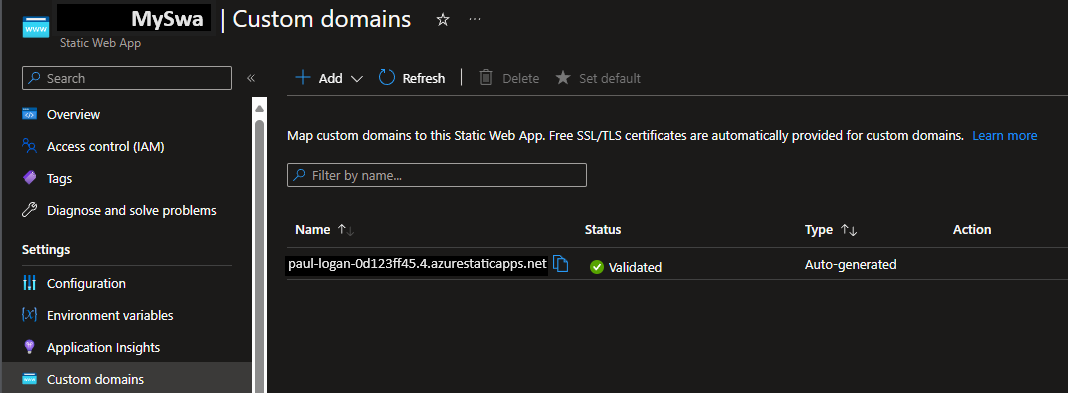 {.shadow}
Step 1
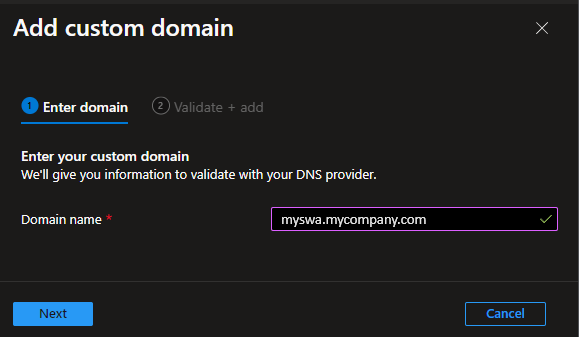{.shadow}Step 2
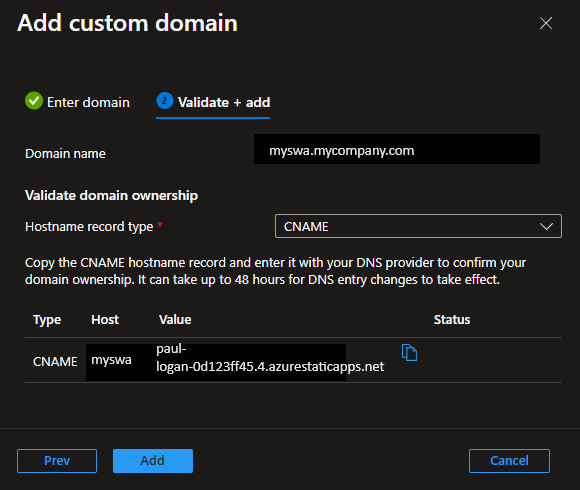{.shadow}Step 3
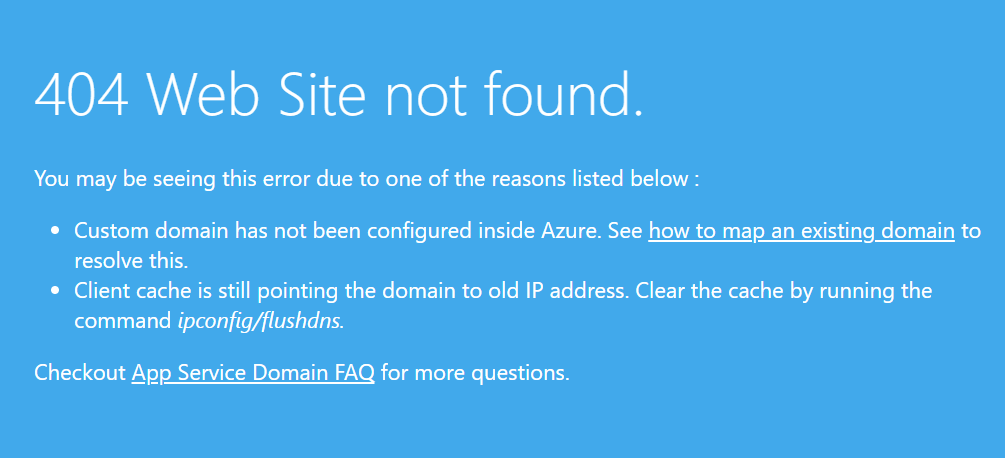 {.shadow}
Awaiting DNS propagation
Azure DNS Zone Azure SWA Custom Domains Add Custom Subdomain to Azure Static Web App Andy
Related Posts
2022-12-10