Azure App Service - Client Secret expired
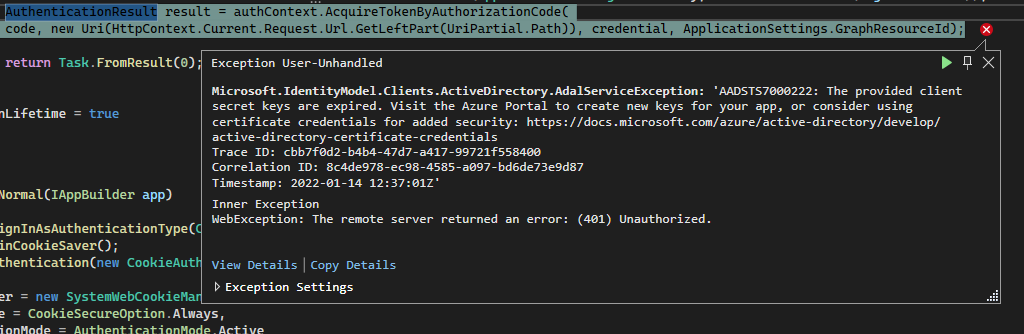
Running our app locally, we received the above AADSTS7000222 error code out of the blue.
Accessing the Client Secret
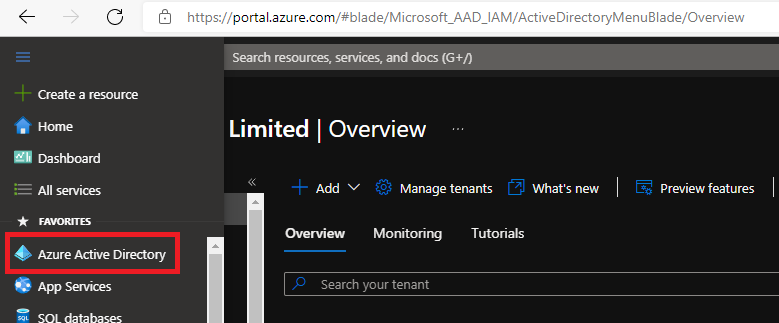
Expired client secret shown in the portal
Expired client secret shown in the portal
Expired client secret shown in the portal
Adding a new client secret
Viewing the Certificates & Secrets for the App Service on the Azure portal displayed the expired secret:
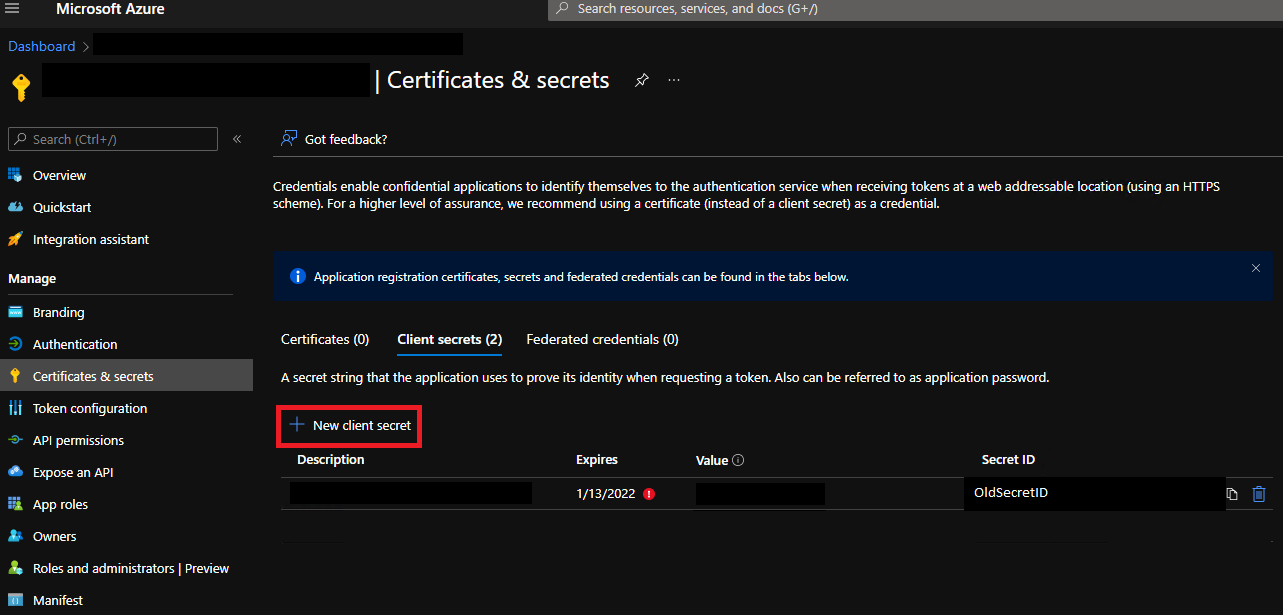
Expired client secret shown in the portal
Clicking the “New client secret” button, a new secret was easily added:
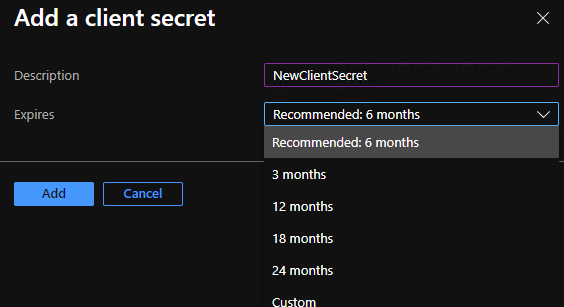
Adding a new client secret
The Certificates & secrets listing now shows the expired secret and it’s replacement:
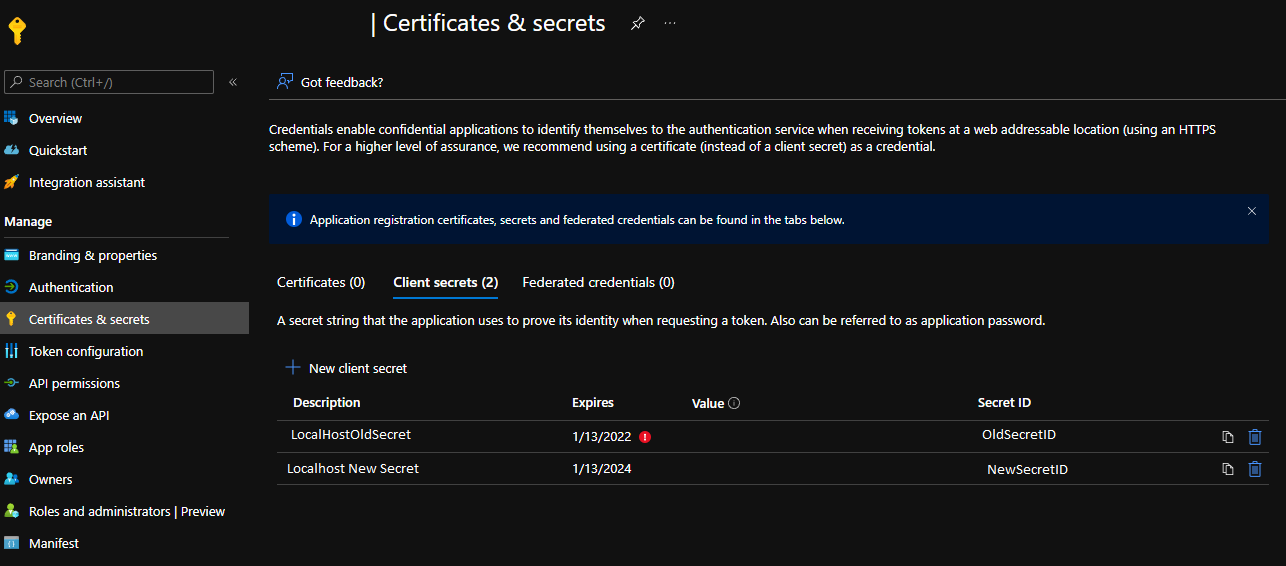
Listing of client secrets
Updating the application config file
In the appSettings section of the application config file, replace the ClientSecret value with the new secret ID:
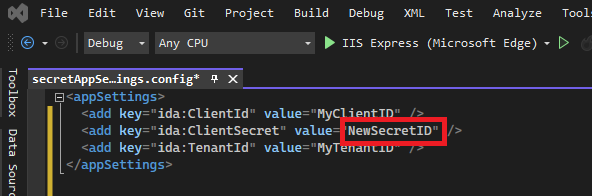
Updated application config file
Related Posts
2021-04-10
2021-04-05